Pillar Guide · 14 min · July 8, 2026
Odoo VoIP Integration: The Complete Guide (2026)
The complete 2026 guide to Odoo VoIP integration — how it works, provider options (Axivox, Ringover, 3CX, Twilio), setup, pricing and when to add AI.
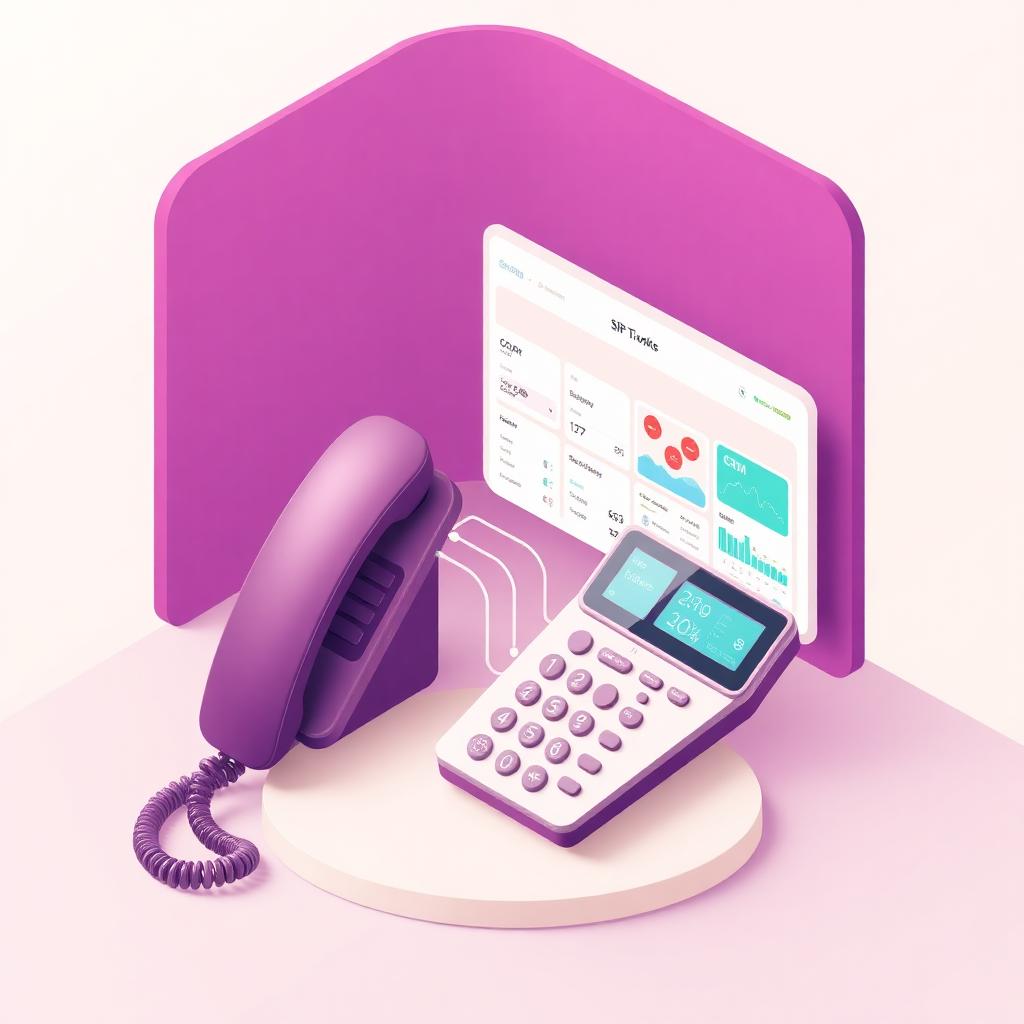
Odoo VoIP integration is how you turn Odoo — the ERP running your CRM, Sales, Contacts and Helpdesk — into a phone system your team can actually work from. Instead of alt-tabbing between a softphone and a browser, reps click a number inside Odoo, calls pop the matching record, and every conversation logs to the chatter of the exact lead, contact or ticket that triggered it.
This guide is the long-form reference we point every new Odoo customer to before they pick a VoIP provider. It covers what an Odoo VoIP integration actually does, the four provider categories worth considering in 2026, what setup looks like on Odoo 17, honest pricing bands in USD, and where a traditional VoIP integration stops being enough — the point at which an AI calling agent starts to pay for itself.
What is Odoo VoIP integration?
Odoo VoIP integration is a connector — usually a module plus a SIP account — that lets Odoo place and receive phone calls. The core surface is small and stable: a click-to-dial button next to any phone number in Odoo, an inbound call popup that opens the matching res.partner or crm.lead, call logging in the chatter, and (on most providers) call recording stored against ir.attachment.
Under the hood, three pieces have to line up: the Odoo module (native or partner-built), the SIP or WebRTC endpoint (browser softphone, desk phone, or mobile app), and the telephony carrier that actually connects the call to the PSTN. Get any one of them wrong and calls drop, records don't pop, or the audio quality embarrasses your team on live prospects.
What Odoo VoIP integration is not
- It is not a call center platform — no predictive dialer, no automatic call distribution, no queue-based routing beyond what your PBX provides.
- It is not conversation intelligence — recordings live on disk, but transcription, sentiment and next-step extraction are separate products.
- It is not an AI calling agent — a VoIP integration removes friction from human calls. It does not place the calls for you or write structured outcomes back to Odoo on its own.
Why teams add VoIP to Odoo
The business case is unglamorous but concrete. Reps who dial from inside Odoo log 3–4× more calls per day than reps who alt-tab to a standalone softphone, purely because friction disappears. Inbound calls pop the customer record, which cuts average handle time and eliminates the 'who am I speaking with' opener. Call recordings attached to the CRM chatter mean managers can coach against the actual conversation instead of a rep's memory of it.
There is a secondary benefit that is easy to miss: a real Odoo VoIP integration cleans your contact data. Every inbound call that doesn't match a res.partner becomes a prompt to create or merge one. Six months in, most teams see duplicate-contact rates drop by 40–60% without a dedicated cleanup project.
The four provider categories in 2026
Every Odoo VoIP option on the market falls into one of four buckets. Pick the bucket before you shortlist vendors — it saves a month of demos.
1. Odoo Enterprise built-in VoIP (Axivox-backed)
Odoo Enterprise ships a native VoIP module that Odoo S.A. co-developed with Axivox. Setup is a settings page, the softphone lives in the top bar, and click-to-dial is one click from any phone field. If you are already on Enterprise and your team is small enough to live inside a single PBX, this is the shortest path — no third-party module, no separate vendor invoice.
- Best for: Odoo Enterprise customers under 20 seats who want a single vendor and don't need advanced call-center features.
- Watch-outs: number porting quality varies by country, and the softphone is browser-only — no desk phone or mobile app in the default install.
2. Ringover, Aircall and similar cloud-phone integrations
Ringover and Aircall are cloud phone systems with polished Odoo integrations maintained by their own teams. You get a full-featured softphone (desktop, web and mobile), IVR, call queues, live monitoring and a mature admin UI. The Odoo module handles click-to-dial, screen pops and call logging.
- Best for: sales-driven teams (20–200 seats) that want the call-center feature set without running a PBX in-house.
- Pricing shape: $25–$50 per user per month plus per-minute usage. Predictable, per-seat, scales with headcount.
- Watch-outs: the Odoo module is a click-to-dial layer over their cloud, so field mapping into custom Odoo objects usually needs a partner project.
3. Self-hosted or third-party PBX (3CX, FreePBX, Asterisk, Grandstream)
Teams with in-house telecom skills often run 3CX or a hardened Asterisk/FreePBX build and connect it to Odoo via a community module. The economics are excellent past a certain scale, and you keep full control over recording storage, retention and encryption keys — a real requirement in regulated verticals.
- Best for: 50+ seat operations, regulated industries, or teams that already have a PBX and just need it wired into Odoo.
- Pricing shape: license or free plus your carrier costs. Cheapest per-minute in the long run.
- Watch-outs: you are the vendor. Version upgrades on Odoo or the PBX can break the integration, and there is no support line to call at 2am.
4. Raw SIP trunk plus a Twilio-style CPaaS module
Twilio, Plivo and Vonage sell programmable voice APIs. Partner modules on the Odoo App Store use them to place and receive calls without a PBX in the middle. This is the most flexible option — you write exactly the workflow you need — and it is the natural substrate for automation layered on top, including AI voice agents.
- Best for: teams that want programmatic control over every call, want to run automations on top of the trunk, or need geographic number coverage a single provider can't match.
- Pricing shape: pay-as-you-go per minute plus number rental. No per-seat license.
- Watch-outs: the softphone UX is whatever the community module ships. Expect to invest in the interface if a large team will use it daily.
Setting up Odoo VoIP: the honest checklist
Whichever bucket you pick, the setup sequence is roughly the same. Skipping any of these steps is what makes teams say 'the integration doesn't work' when the integration is fine and the plumbing isn't.
- Pick a provider and provision at least one DID (a real inbound number) plus outbound calling on the countries you dial.
- Install the VoIP module in Odoo (native for Enterprise+Axivox, App Store module for everyone else) and confirm it is compatible with your Odoo version — 17 vs 18 modules are not interchangeable.
- Create a dedicated technical user in your PBX / cloud phone for the integration, not a shared admin account. Rotate the SIP password on a schedule.
- Wire the users: every Odoo user who will call needs a SIP extension mapped to their Odoo login, plus microphone permissions in the browser on first use.
- Test click-to-dial on a res.partner, an inbound pop on a known number, call recording write-back to the chatter, and call quality on a two-minute conversation — in that order. If any one fails, fix it before rolling out to the team.
- Set retention on ir.attachment for call recordings and confirm the retention matches the compliance regime you operate under (state two-party consent in the US, GDPR in the EU).
Pricing: what a US Odoo team actually pays
Real numbers from customers we've helped scope in 2026, all in USD, for a 10-seat US team dialing domestically:
- Odoo Enterprise + Axivox: $180–$260/mo for seats and licenses, plus roughly $0.01–$0.02/min outbound.
- Ringover or Aircall: $400–$700/mo per-seat, minutes included on most plans up to a fair-use cap.
- 3CX self-hosted + SIP trunk: $200–$350/mo all-in once amortised across the year, plus one-time setup labor.
- Twilio-style CPaaS module: $60–$150/mo for numbers and low-volume minutes; scales with usage rather than seats.
None of these prices include the hidden line most teams miss: the SDR hours spent on manual dialing itself. On a 10-seat US team, that's $550k–$720k fully loaded per year regardless of which VoIP vendor you pick — which is where AI calling agents change the equation.
Where traditional Odoo VoIP stops being enough
A VoIP integration removes friction from human calls. It does not add capacity. Three signals tell you that you have outgrown it:
- Speed-to-lead sits above 15 minutes on inbound web leads, and your conversion rate is visibly suffering for it.
- You have repetitive outbound workflows — invoice reminders, appointment confirmations, callback attempts — that consume more than 30% of your SDR hours.
- Your CRM data quality is stuck below 70% completeness because reps don't have time to type notes after every call.
At that point the answer is not more seats. It is an AI calling agent that runs on top of the same VoIP layer, handles the always-on workflows, and writes complete outcomes back to Odoo automatically — freeing the human team for conversations that actually need a human.
Related deep dives
Once the VoIP layer is in place, most Odoo teams work through the following in order: the ROI model for adding AI on top, the engineering steps for the integration itself, and the buyer guide for AI voice agents.
Odoo VoIP integration FAQ
Does Odoo have a built-in VoIP module?+
Odoo Enterprise ships a native VoIP module co-developed with Axivox. Odoo Community does not include VoIP by default — you install a third-party module from the Odoo App Store (Ringover, Aircall, 3CX, or a Twilio-based module) and connect it to your SIP provider. Both paths deliver click-to-dial, inbound screen pops and call logging to the chatter.
Which VoIP provider is best for Odoo?+
There is no single best provider — the right pick depends on team size and needs. Under 20 seats on Enterprise: use the built-in Axivox integration. 20–200 seats wanting a full cloud phone: Ringover or Aircall. 50+ seats with in-house telecom skills or regulated data: self-hosted 3CX, FreePBX or Asterisk. Teams needing programmable per-call control or planning to layer AI on top: a Twilio-style CPaaS module.
How much does Odoo VoIP integration cost in 2026?+
For a 10-seat US team dialing domestically: Odoo Enterprise + Axivox runs $180–$260/mo plus per-minute usage; Ringover or Aircall run $400–$700/mo with minutes included; self-hosted 3CX with a SIP trunk runs $200–$350/mo all-in; a Twilio-style CPaaS module runs $60–$150/mo scaling with usage. None of these include the SDR labor cost of manual dialing.
Can I use Odoo VoIP without Odoo Enterprise?+
Yes. Install a community VoIP module from the Odoo App Store — Ringover, Aircall, 3CX and multiple Twilio-based modules all support Odoo Community. You configure the SIP account and user extensions the same way as Enterprise. The only thing you lose is the vendor bundle: on Community, the VoIP subscription and the Odoo subscription are separate line items from separate vendors.
Does Odoo VoIP work with call recording and TCPA compliance?+
Every major Odoo VoIP integration supports call recording as an ir.attachment on the res.partner or crm.lead chatter, with configurable retention. For US deployments verify TCPA consent handling on outbound dials, per-state two-party consent for recording, and that recordings can be PII-redacted before they hit the chatter. Check these on the RFP — they are not equally implemented across providers.
What is the difference between Odoo VoIP and an AI calling agent for Odoo?+
Odoo VoIP is telephony middleware: a human rep clicks to dial, talks, and (hopefully) updates the CRM. An AI calling agent installs as an Odoo module and conducts the call itself — reads crm.lead directly, places or answers the call, and writes the transcript, AI summary, sentiment, stage change and next activity back to the exact Odoo record. VoIP removes friction; the AI agent removes the work.
Next step
If you want a shortlist recommendation for your Odoo instance — size, region, compliance regime and whether AI-on-top makes sense — email business@geniedial.in or call +91 6355581951 and ask for a 30-minute scoping session.
Book a pilot
See GenieDial dial your Odoo CRM in a live 30-minute session.